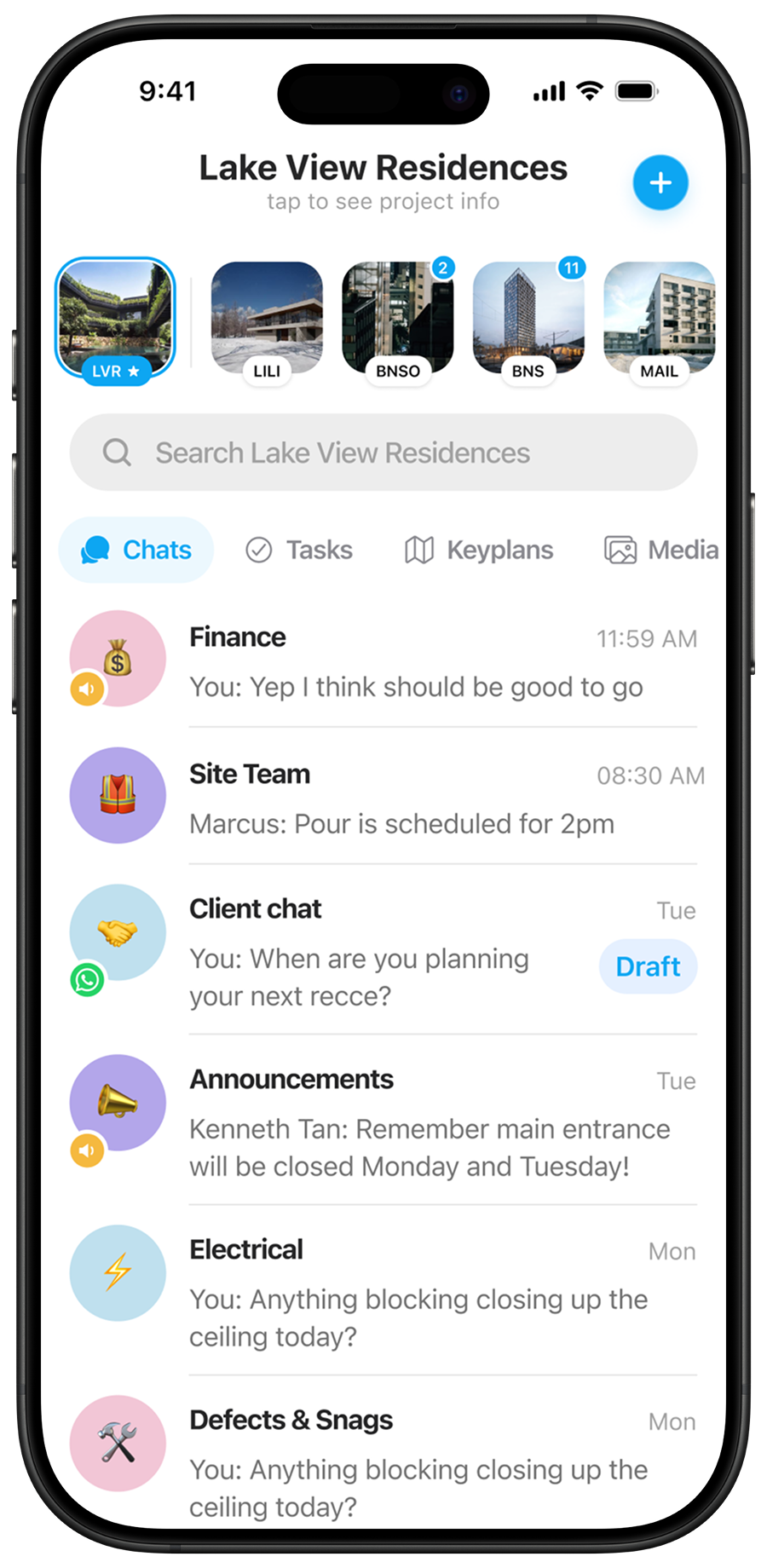

Work chat that thinks with you.

Move your chats to OnSite — watch your messages, photos, and voice notes turn into structured tasks, instant reports, and a company brain from day one.

OnSite mobile project workspace
Forbes 30 Under 30 Asia 2026 SuperAI Genesis Top 50

Projects
190
Messages shared
90,000+
Tasks tracked
1,000+

Work chats get overwhelming fast.

Tasks get buried.

Decisions disappear.

Reports take hours.

Keep the conversation and the work it creates together.

WhatsApp
We like the warm white sample for the lobby. Let’s go with that.
🤝Client chattap to see info
Maya · WhatsAppWe like the warm white sample for the lobby. Let’s go with that.
Great, I’ll pass that on to the painting team.
Maya · WhatsAppPerfect, thank you!
Connected to WhatsAppReply synced to WhatsApp

Chat naturally

Keep your team’s messages, photos, and files together in dedicated chats sorted by project.

Connect WhatsApp to bring clients and partners into the conversation. Read and reply from OnSite.

Stay organized automatically

👷Team chattap to see info
Team chat · Voice message
0:08
Transcription@Jeremy, please send the client presentation by Friday.
Task suggested by BlueSend client presentation

JeremyFriday
To do Marked complete
Done — just sent it!

Turn messages into tasks

Blue spots tasks, owners, and due dates in chat and suggests them for your team to confirm.

Keep owners, due dates, and progress together. Updates in chat help you follow the work through to completion.

Draft this week’s progress report.
Blue

Here’s your draft, with this week’s updates and photos brought together.

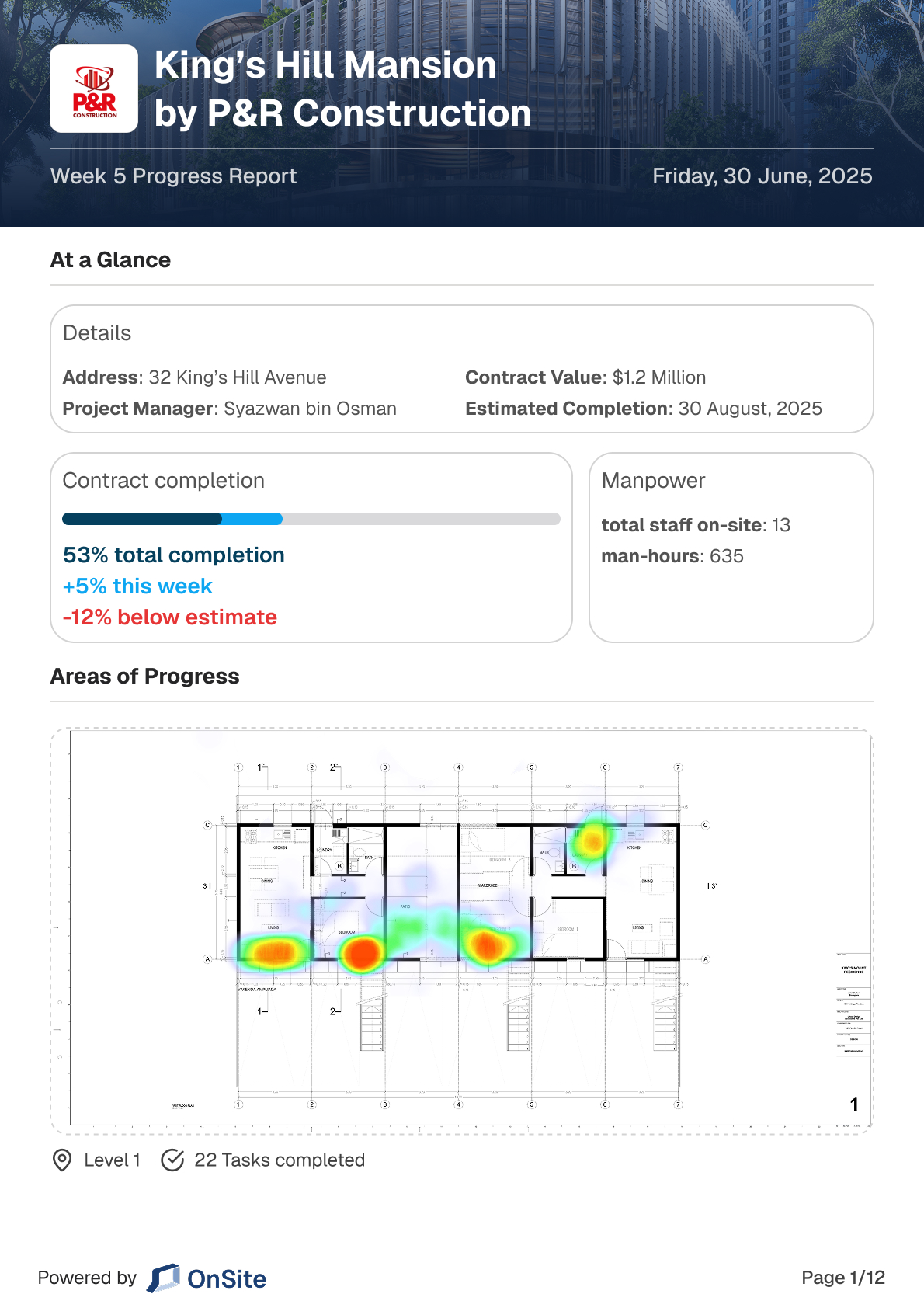
Weekly progress report
Project progress report preview

Generate reports instantly

Ask Blue for a report. It brings together your project updates, photos, and completed work into one draft.

Review the details, make it your own, and share it with your team.

Meet Blue, your AI teammate

Ask Blue right in chat

Ask Blue privately to check a project detail or find a site photo. Mention Blue in a group chat and it replies where the whole team can see the answer and its sources.

When it’s time to update a client, ask Blue to turn the latest project updates into an email draft you can review before sending.

Read more about Blue

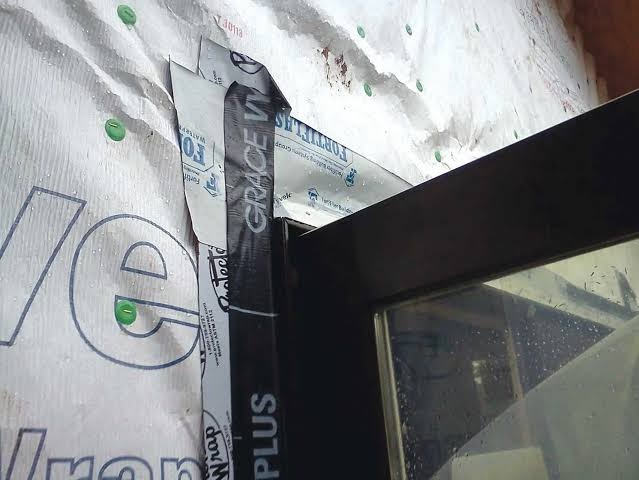
What’s the status of the east window flashing? Can you find Jess’s photo?

Blue

Jess flagged that it needs refitting before cladding. Here’s the photo she shared.

Close-up of the lifted flashing on the east window
Jess · Defects & Snags · 28 Oct
Fit-out · Level 4
Ken · WhatsAppDid the Level 4 fire doors get signed off?
Sarah@Blue can you check?
Blue

Inspection is Friday at 2 pm. Two doors still need closers fitted.

Defects & Snags
Ken · WhatsAppThanks! I’ll fit the closers tomorrow.

Blue, draft Maya an update on the Level 3 glazing RFI.

Blue · Email draft
To
Maya Chen
Subject
Level 3 glazing · RFI-042 update

Hi Maya,

We’ve flagged a clash at the Level 3 glazing. RFI-042 is with the consultant. I’ll confirm the next steps once we have sign-off.

Ready for your review

Chats, tasks, reports, and more.
All connected.

The same conversation that creates a task also supplies the evidence for a report and the source for an answer. Every message, photo, and update adds to a shared record of your work — automatically.

Messages Files Forms Photos Tasks Decisions Schedules Reports Location
OnSite

One example of OnSite at work

From the chat to the weekly report.

Capture the request.

Your client messages you on WhatsApp. Blue suggests a task with its deadline, location, and checklist attached.

Find the answer.

Ask Blue about the AC without leaving the client conversation. Check the linked equipment records, then return to the chat.

Record the work.

Send a photo and an update. Blue fills out the attached checklist and adds the photo as evidence, ready for your review.

Verify completion.

Confirm the remaining checks and submit the form. The reviewer signs off, and the completed record stays with the conversation.

Report the week.

Ask Blue for the weekly report. It brings this job together with other maintenance work, outstanding items, and linked evidence.

Client chattap to see info
Client · WhatsApp三楼会议室的空调不制冷了,能尽快来检查一下吗?ZH → ENThe Level 3 meeting room isn’t cooling. Can you check the AC ASAP?
You · Reply synced to WhatsAppI’ll come by this afternoon!
TASK · AC-104Check meeting-room AC
Today · 4pm Level 3
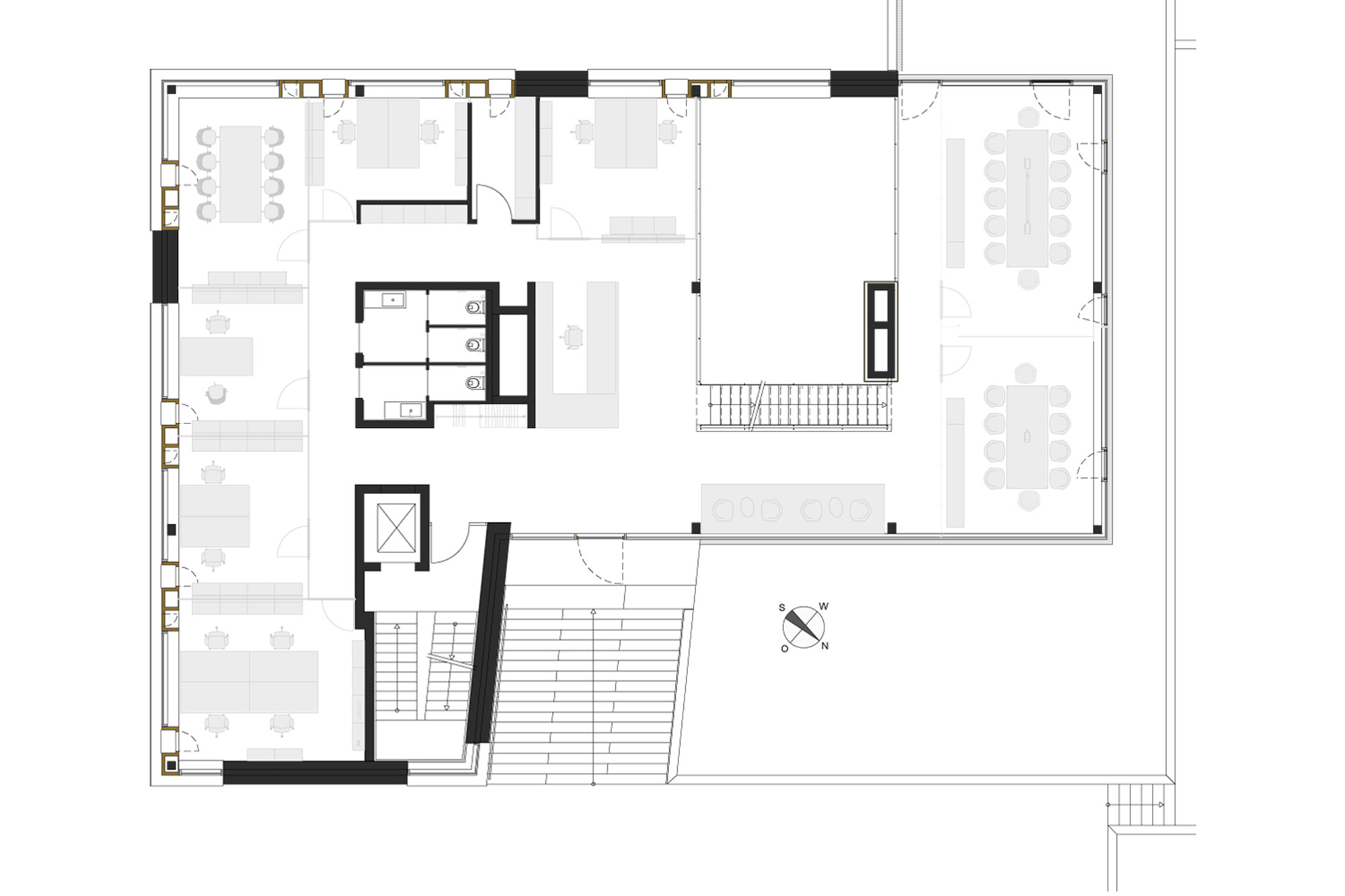
Reference floor plan with the meeting-room location marked
AC Completion Checklist
YouFilter cleaned and unit running again. Room’s cooling now.
Your AC completion photo unit-photo.jpg
AC Completion ChecklistFilled automatically from your message · Photo attached
Client · WhatsAppThank you!
Blue
YouWhat kind of filter does the Level 3 meeting-room AC use?
AC-03 uses a washable mesh pre-filter. Clean and fully dry it before refitting.
Equipment schedule Manufacturer’s specs
AC Completion Checklist
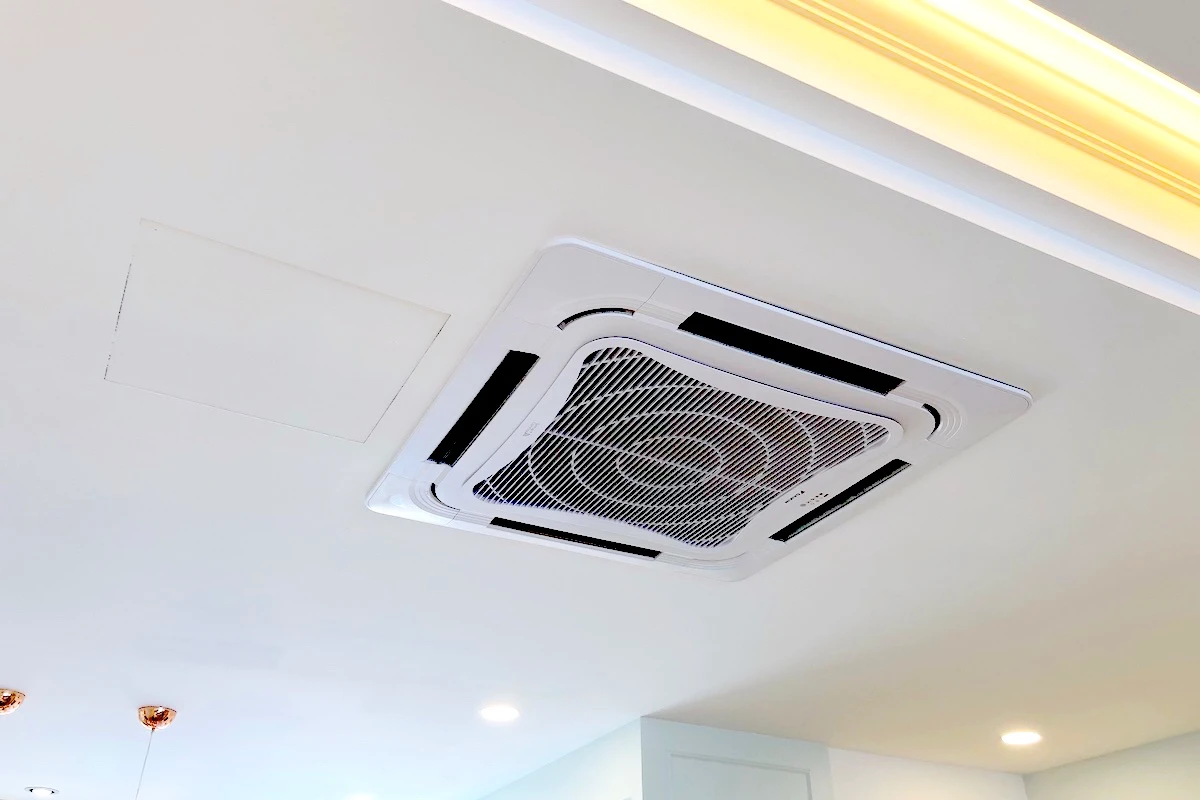
Completion photo of the ceiling cassette AC
From your photoCeiling cassette ACPhoto attached as evidence
Work performed · From your updateFilter cleaned. Unit running; room cooling.
Equipment · Linked project recordAC-03 · Level 3 meeting room
Filter cleaned and refitted Unit running normally Room cooling confirmed Completion photo attached
I’ve filled out the checklist from your update and attached your photo. Ready for review.
Draft · Review required
Review & sign off
AC Completion Checklist · Your review Filter refitted securely
Unit operating normally
Room cooling confirmed
Submitted by you · Reviewed and signedFacilities supervisor Checklist approved
The checklist is signed off. I’ve marked AC-104 complete and saved the record in this chat.
Blue · Weekly report
YouDraft this week’s maintenance report.
AC service This conversation Lobby lighting EL-082 · Complete Pantry tap PL-061 · Complete AHU belt AC-109 · Outstanding
WEEKLY MAINTENANCE REPORT

This week, in one place.

Summary Cooling restored, lighting tested, and pantry leak resolved.

Work completed AC-104 · EL-082 · PL-061

Outstanding AC-109 · Awaiting replacement belt

Signed forms · Photos · Original updates
Draft · Ready for review
Illustrative project & records

Built around the way real teams work.

Unlimited cloud storage

Send as many photos and videos as the work needs—without filling up anyone’s phone.

Speak in any language

Automatic translation and transcription keep every voice note and message understandable.

Open every kind of file

View drawings, documents, media, and even 3D models without leaving the conversation.

Move between mobile and desktop

Pick up the same conversation and project record wherever the next part of the work happens.

Role-based access control

Give each person access to the work they need, with permissions that match their role.

A shared home for every project

Keep each project’s conversations, files, and tasks together, so everyone knows where to find them.

Easy to join. Familiar from the start.

Invite your team and start chatting. Simple onboarding and a familiar interface keep the learning curve small.

Works with the tools
your team already uses.

Bring your conversations and project tools together in OnSite.

WhatsApp Google Workspace Microsoft Outlook Autodesk Forma Procore

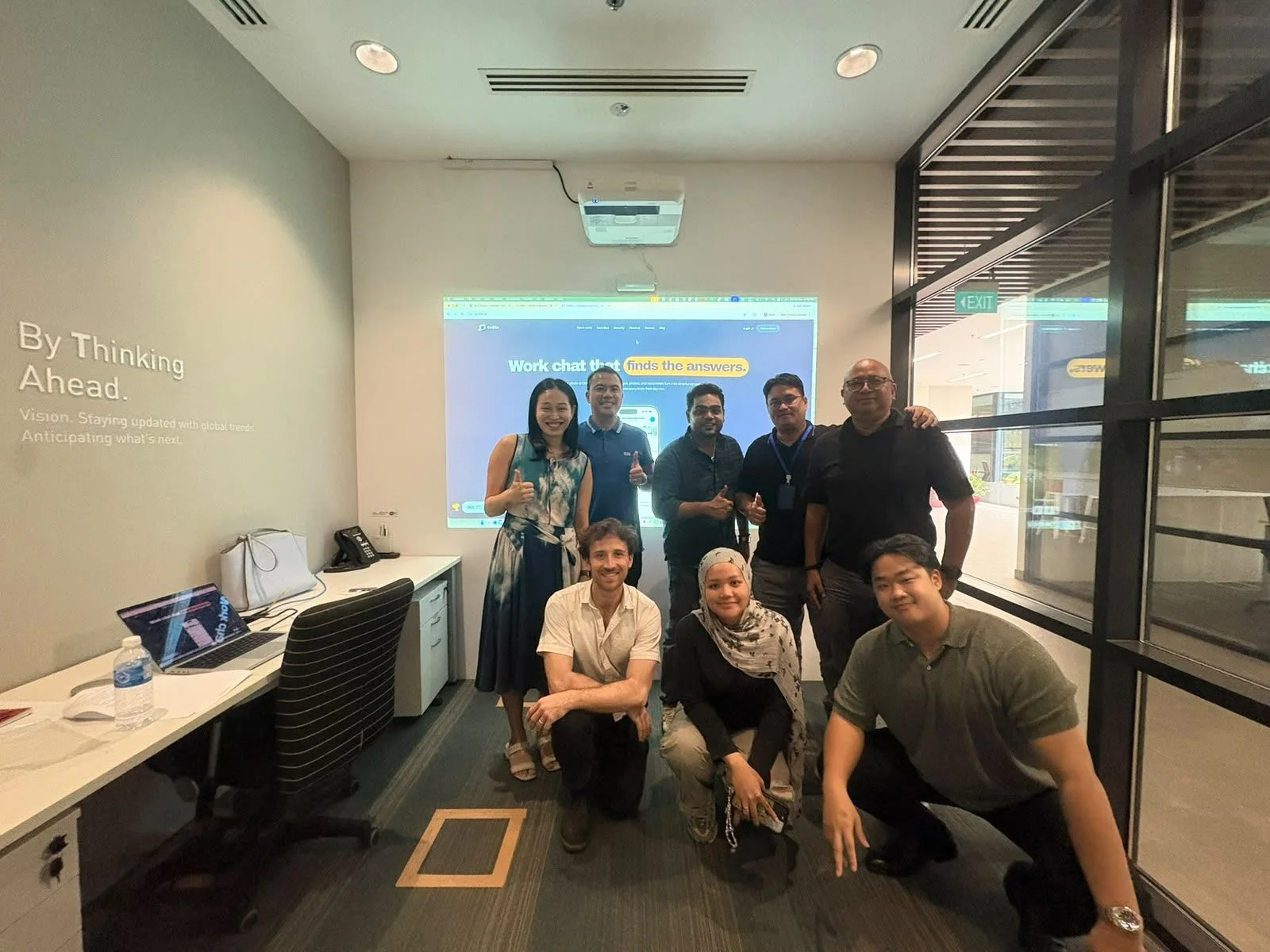
OnSite visiting the Soilbuild team
“Seamless integration. Most forward-looking software I've seen in a while.”
SoilbuildSingapore
OnSite visiting the BCD Engineering team
“I’d deleted 40,000 photos going back to 2017 because my phone was full and WhatsApp kept crashing. OnSite just solves this.”
BCD EngineeringSingapore
OnSite visiting Vivo Contracting
“It’s very helpful to track all my tasks, because on WhatsApp there’s so many texts, and there’s so much to do on site every day, it’s easy to lose track.”
Vivo ContractingHong Kong

Your conversations carry your business.
We protect them that way.

OnSite is a SOC 2 Type I certified, cloud-based platform built to keep company knowledge under company control.

How we protect your data

A few practical questions.

A few quick answers about bringing OnSite into the way your team already works.

More questions? Talk to us
What is OnSite?

OnSite is a work chat app where your team can message each other and bring in conversations from WhatsApp and email. Blue helps you find answers, track follow-ups, and draft project documentation.

How quickly does OnSite become useful?

Create a shared space, invite your team, and start chatting. Connect the WhatsApp conversations you want to bring into OnSite.

How does Blue turn messages into tasks?

Blue picks up actions, owners, and deadlines from the conversation and suggests a task for your team to review and accept.

How does WhatsApp syncing work?

Messages from a connected WhatsApp conversation appear in the relevant OnSite conversation. Replies sent from OnSite sync back to WhatsApp. People using WhatsApp can keep participating without downloading OnSite, while your team keeps the conversation and its resulting work together.

Can we see where Blue’s answers came from?

Yes. Blue’s answers and summaries link back to their supporting messages, files, forms, or records so your team can inspect the original context before acting.

Backed by Tin Men Capital Alter Global Gondor Capital Hustle Fund

Bring the work together

See what your conversations
could do for your team.

Book a demo
Interested in OnSite? Talk to us today